01What it does
Five capability groups behind a small HTTP API. Everything runs on CPU and is built for batch jobs on the scraper server. iPhone HEIC inputs are accepted everywhere.
✂️ Cutout
AI background removal via rembg. Five models from fast people-segmentation to BiRefNet portrait matting with clean hair edges. Returns a transparent PNG.
🪄 Compose
Drop one or more subjects onto a new background. Face/profile detection auto-decides side, scale and gaze — or place manually, or let a vision model decide.
🎛️ Edit
An ordered pipeline of 26 raster ops: resize, crop, colour, filters — plus the news-illustration v2 set: duotone, sticker outline, flatten-bg colour block, silhouette, scanlines, glitch, grain, paper texture.
🧩 News layouts
Three layout endpoints for editorial graphics: side-by-side diptych ("orsak | verkan"), circular detail inset with rim, and N-layer montage (the expert-collage pattern).
🎬 Motion
Seven reel-native effects: Ken Burns, parallax, kinetic captions, karaoke subtitles, count-up data, whip/glitch transitions, spin cinemagraph — rendered to MP4 or seamless animated WebP.
🗞️ Styles
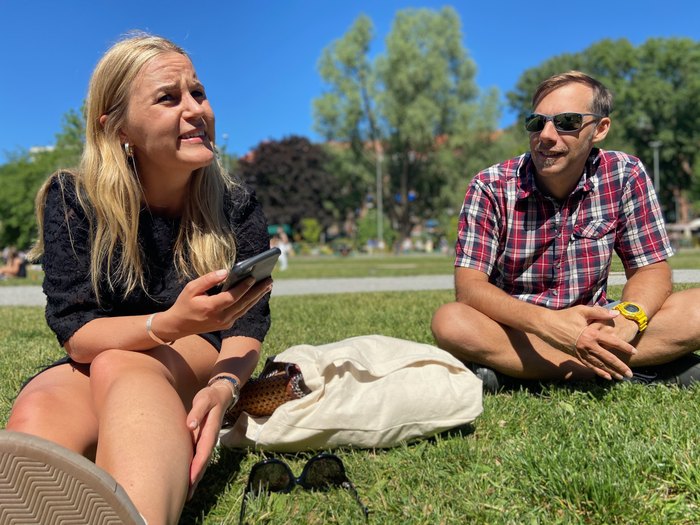
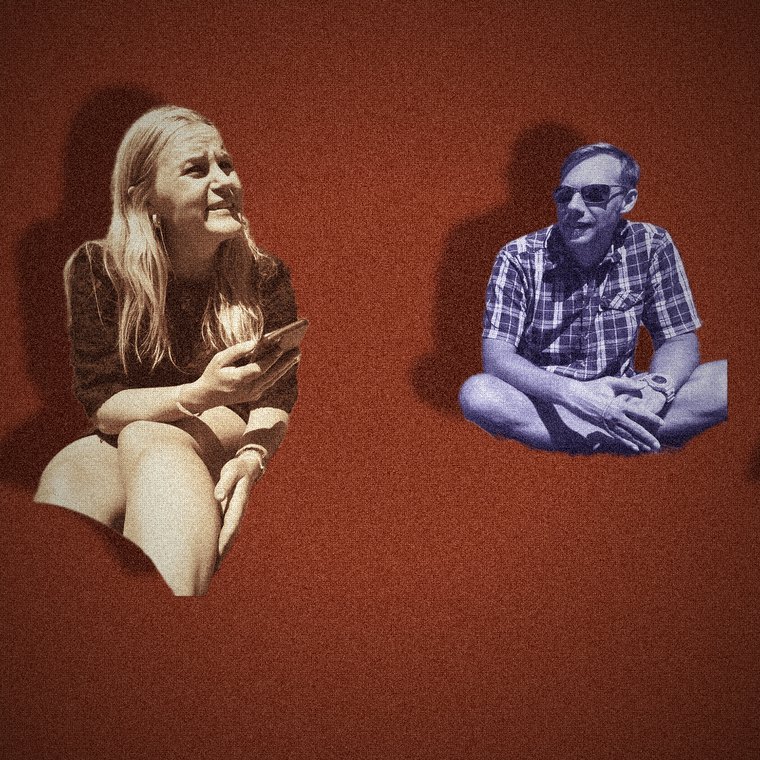
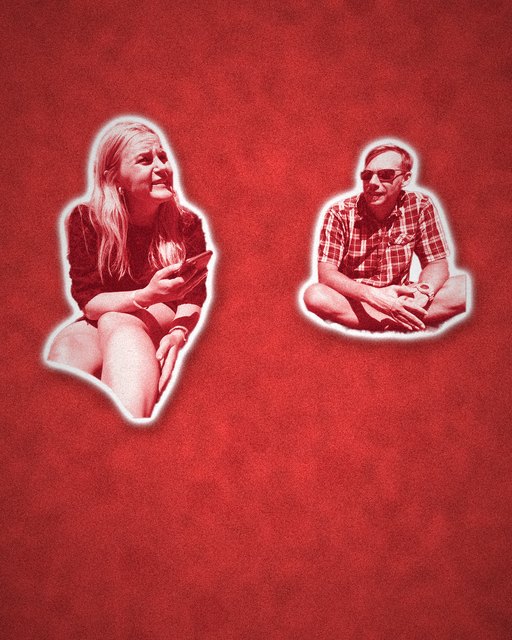
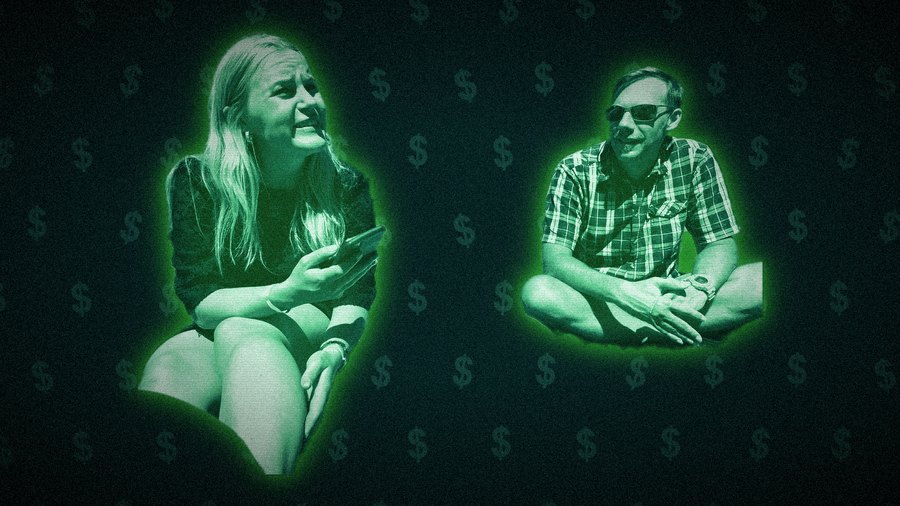
Three editorial "news illustration" looks rendered from a photo + its cutout mask: torn-paper split-face, red sticker cutout, and neon money glow — ready for social posts.
02Background removal
One call strips the background and returns a transparent PNG. BiRefNet keeps fine hair and edge detail clean.
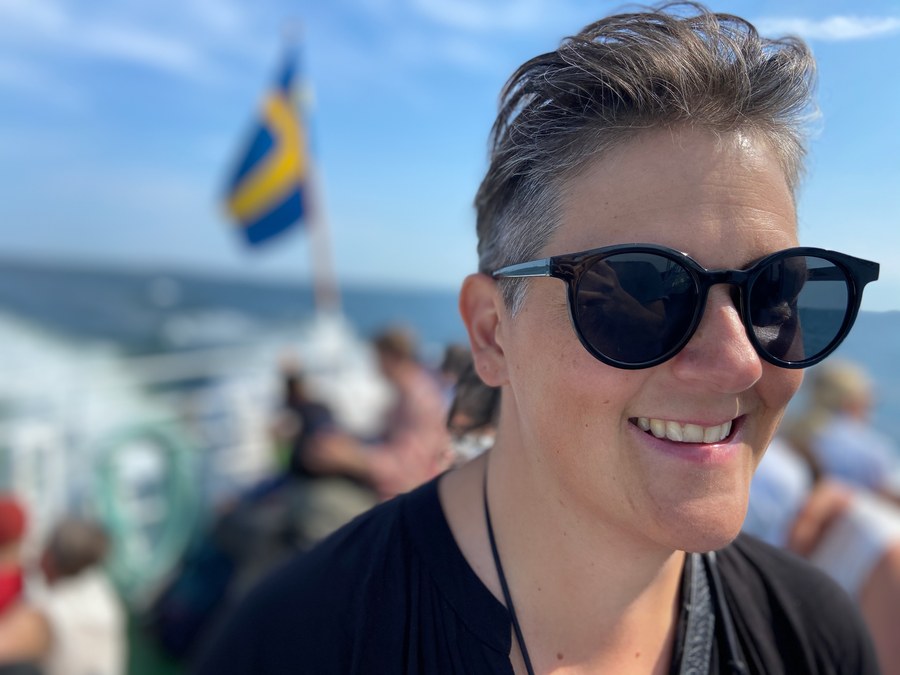
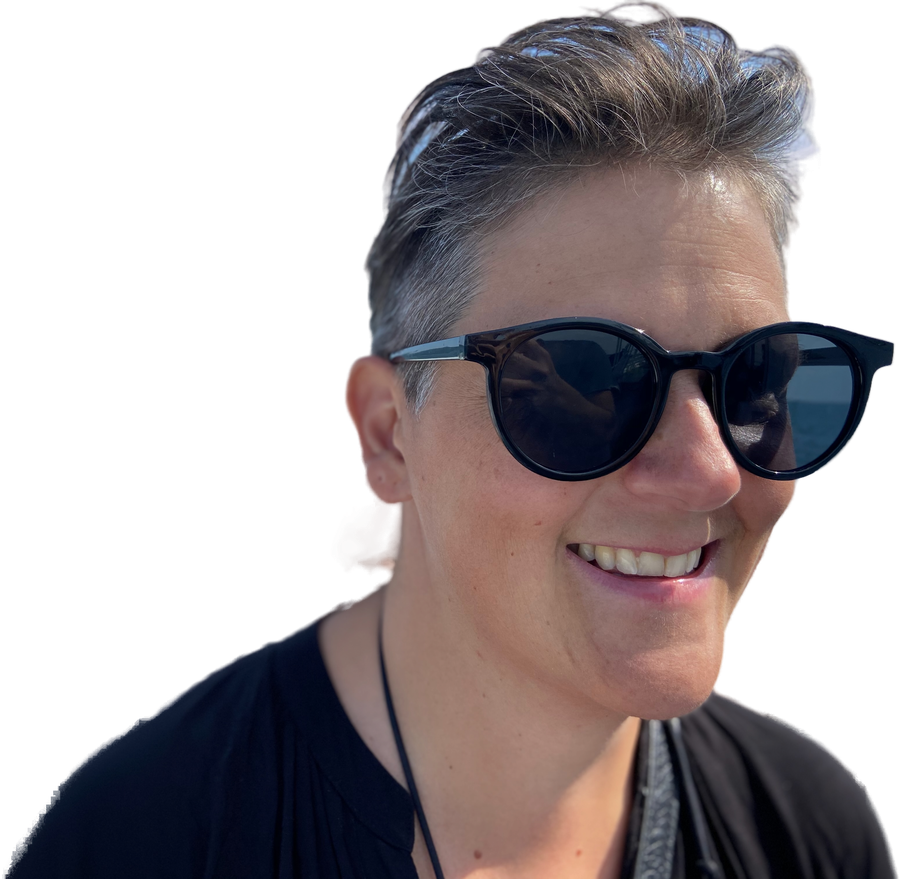
# model: u2net_human_seg (default, fast) · birefnet-portrait (best edges)
curl -F file=@photo.jpg "https://foto-api.autonomousmedia.io/v1/cutout?model=birefnet-portrait" -o cutout.png
03Smart compositing
Place a cut-out subject onto a new scene. In auto mode, face & profile detection picks the side, scale, and which way the subject should face — so the gaze leads into the frame and the scene's focal point stays visible.
Auto mode — zero config
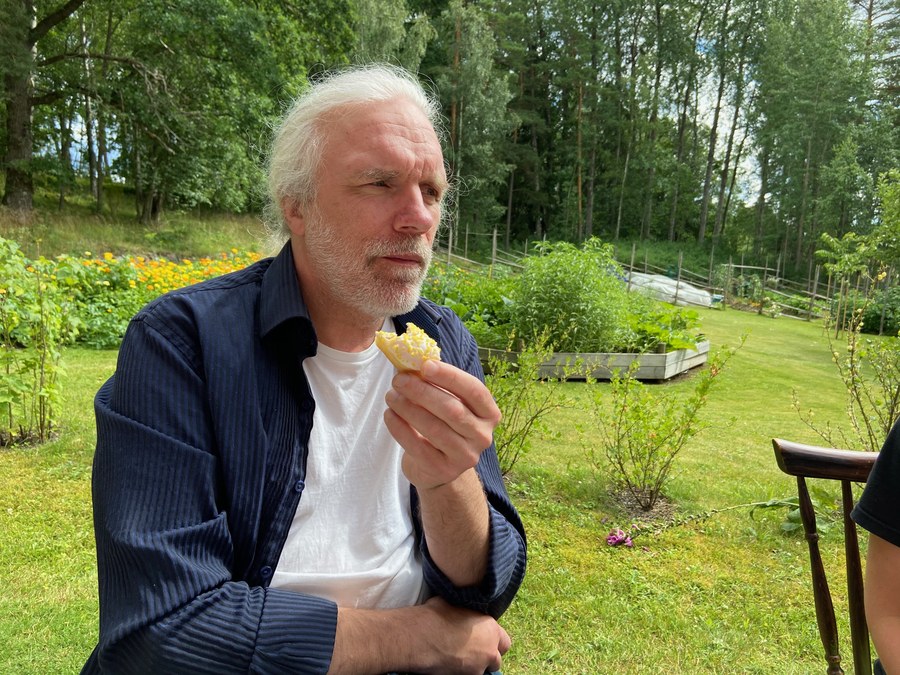
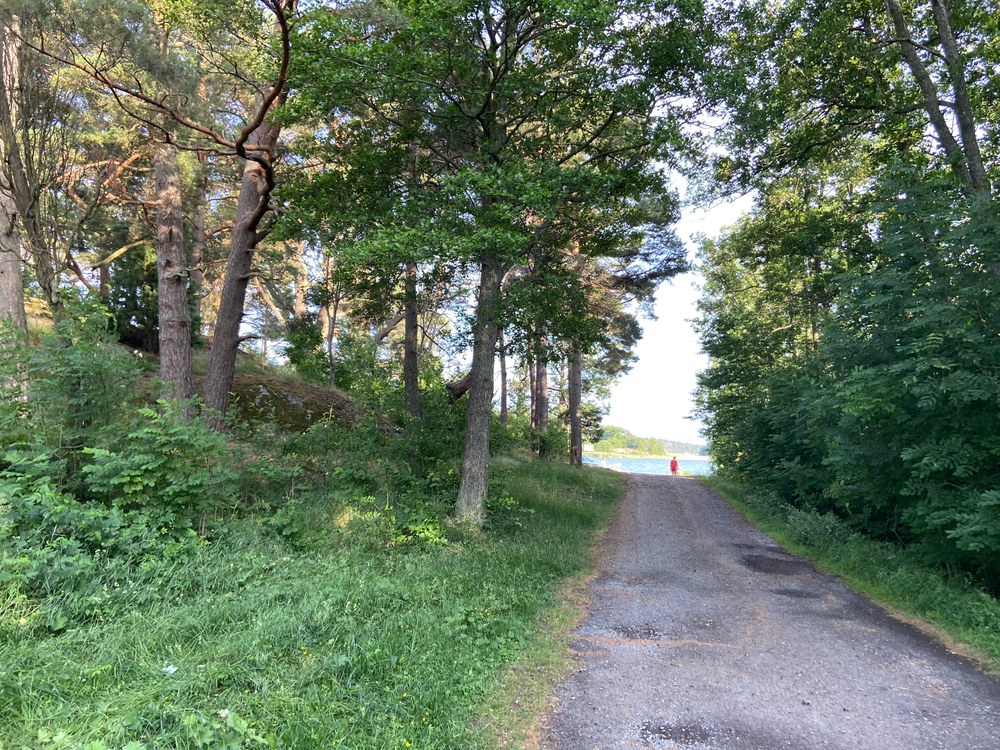
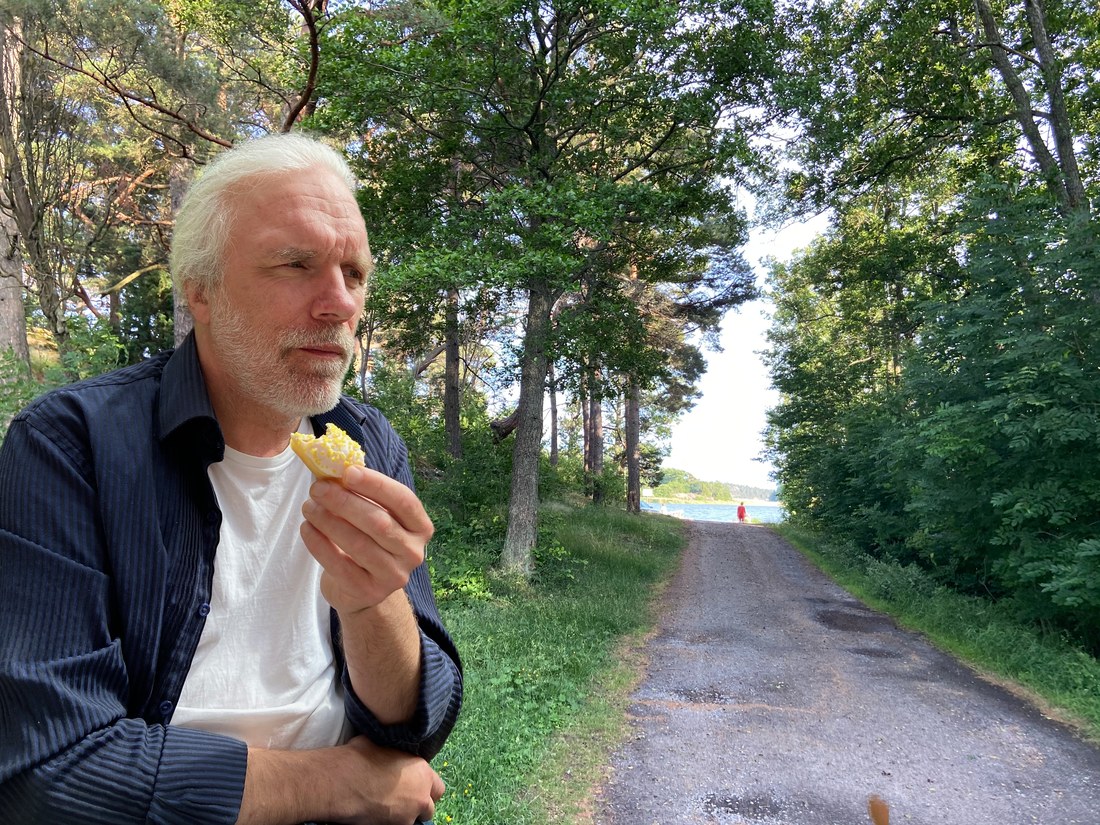
curl -F background=@path.jpg -F subjects=@man.jpg \
     -F 'params={"mode":"auto","cutout_model":"birefnet-portrait"}' \
     https://foto-api.autonomousmedia.io/v1/compose -o out.jpg
Multiple subjects & manual control
Pass several subjects in one call. Manual mode gives per-subject control of scale, position, facing and draw order (depth).
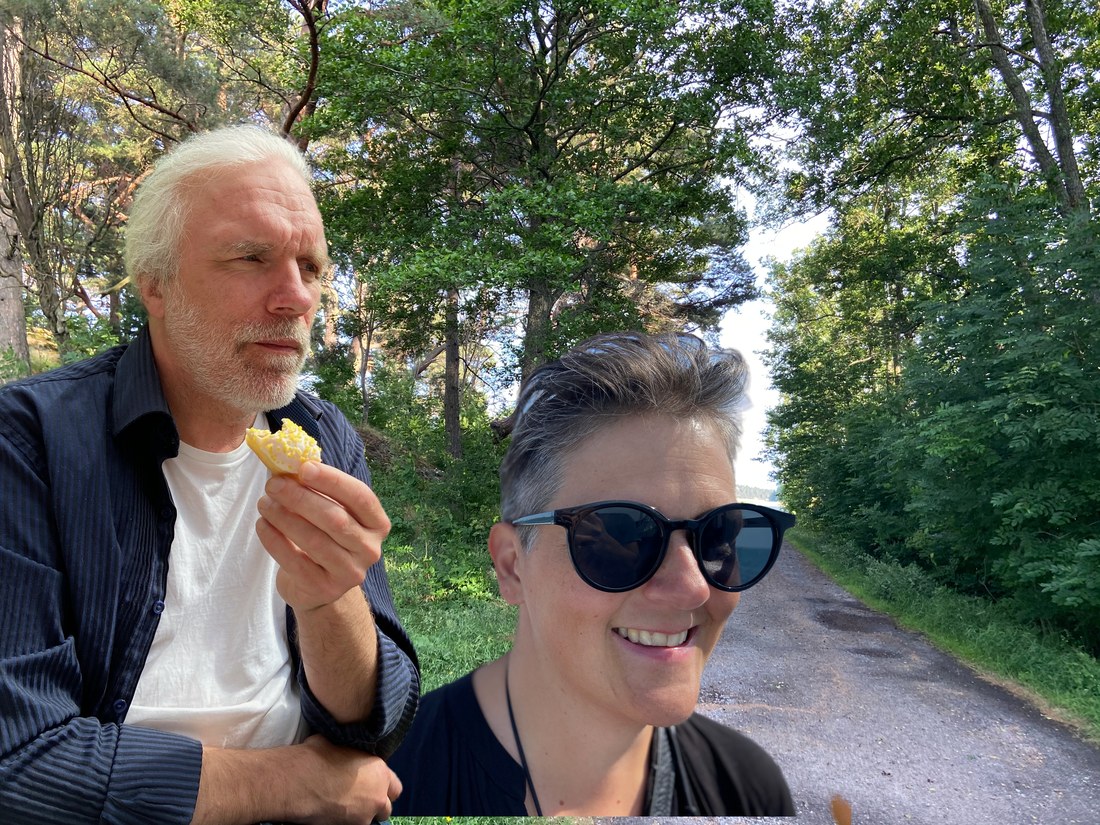
curl -F background=@path.jpg -F subjects=@man.jpg -F subjects=@woman.jpg \
     -F 'params={"mode":"manual","cutout_model":"birefnet-portrait","items":[
        {"scale":0.86,"target_frac":0.26,"draw_order":1,"warm":1.01},
        {"scale":0.60,"target_frac":0.60,"base_frac":0.99,"draw_order":0}
     ]}' \
     https://foto-api.autonomousmedia.io/v1/compose -o combo.jpg
Three placement modes
| Mode | How placement is decided | Cost |
|---|---|---|
auto | Face + profile detection (OpenCV). Picks side, scale, gaze. Default. | Free, fast, scales infinitely |
manual | You supply explicit per-subject params (items). | Free |
llm | A vision model looks at the scene and decides placement. Opt-in. | Tokens per image — needs ANTHROPIC_API_KEY |
items fields: scale (0–1 of frame height) · target_frac (0–1, where the face sits horizontally) · base_frac (0–1, vertical position of the subject's feet/bottom — lower value = further back) · facing · flip · draw_order (lower = behind) · feather · warm (<1 cooler, >1 warmer) · color_match (0–0.4, pull toward scene colour).04General edits
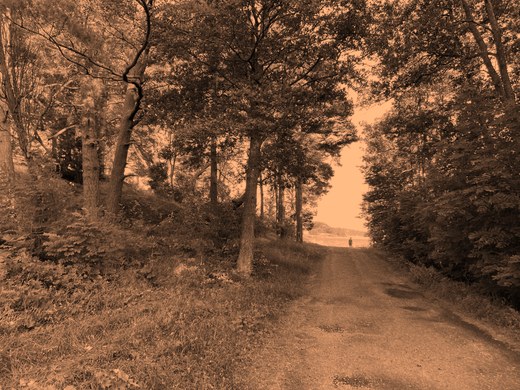
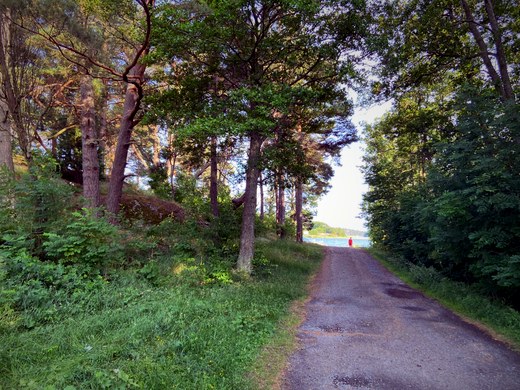
Send an ordered list of operations; they apply in sequence. Good for thumbnails, normalisation, watermarks-free filters, format conversion.
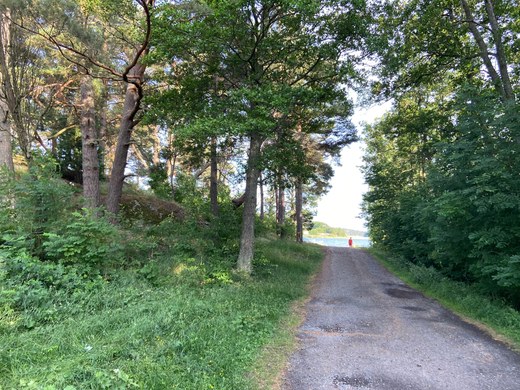
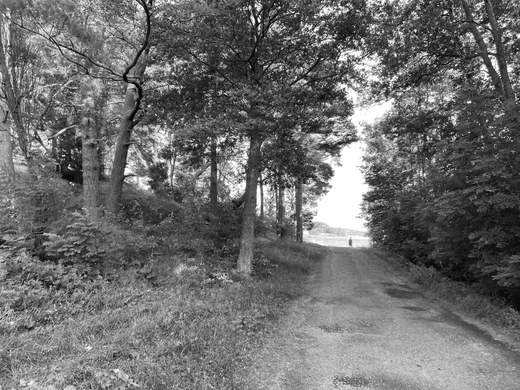
curl -F file=@photo.jpg \
     -F 'ops=[{"op":"resize","max":1600},{"op":"autocontrast"},{"op":"saturation","factor":1.3},{"op":"vignette","strength":0.45}]' \
     -F output_format=jpeg -F quality=90 \
     https://foto-api.autonomousmedia.io/v1/edit -o edited.jpg
Available operations
| op | params |
|---|---|
resize | w / h / max (bounds long edge, keeps aspect) |
crop | box=[l,t,r,b] or aspect="16:9" (centre crop) |
rotate / flip | deg · axis="h"|"v" |
brightness · contrast · saturation · sharpness | factor (1.0 = unchanged) |
blur | radius |
grayscale · sepia · invert · equalize | — |
autocontrast | cutoff (percent clipped, default 1) |
posterize | bits (1–8) |
vignette | strength (0–1) |
border | size, color="#rrggbb" |
convert | format="jpeg"|"png"|"webp" |
News-illustration ops (v2)
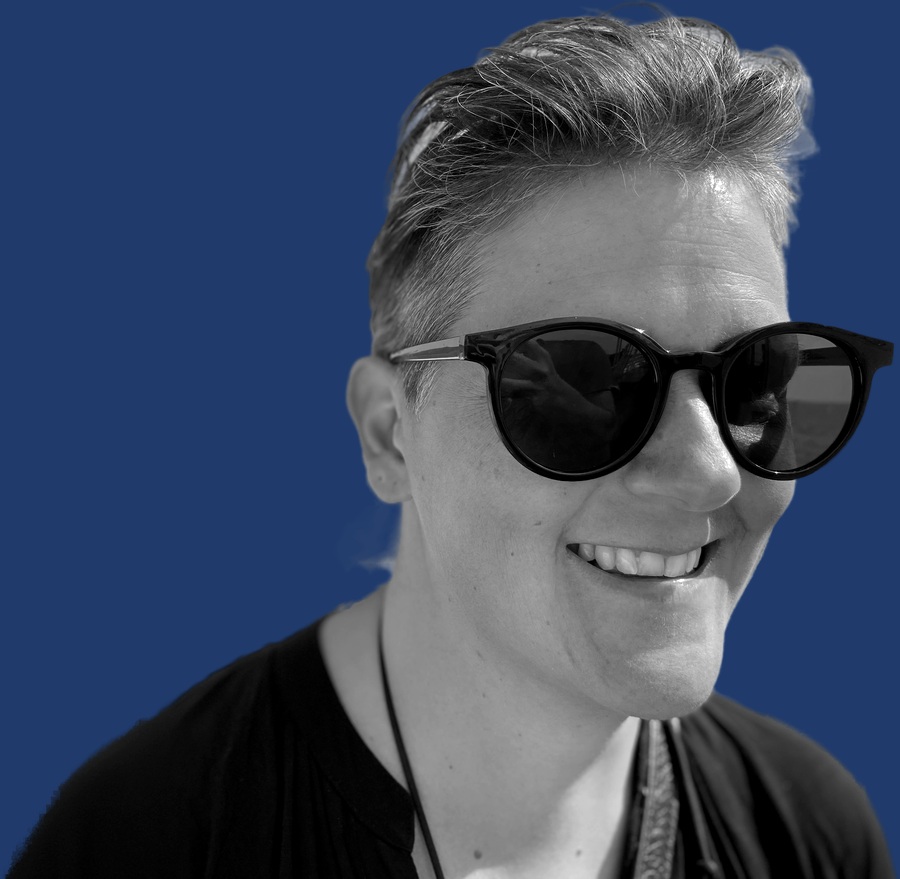
Built for the story→illustration pipeline: duotone category colours, Axios-style colour blocks, sticker cutouts, texture passes. RGBA cutout alpha survives the chain — cutout → grayscale → flatten_bg(color) renders the colour-block portrait in one call.
| op | params |
|---|---|
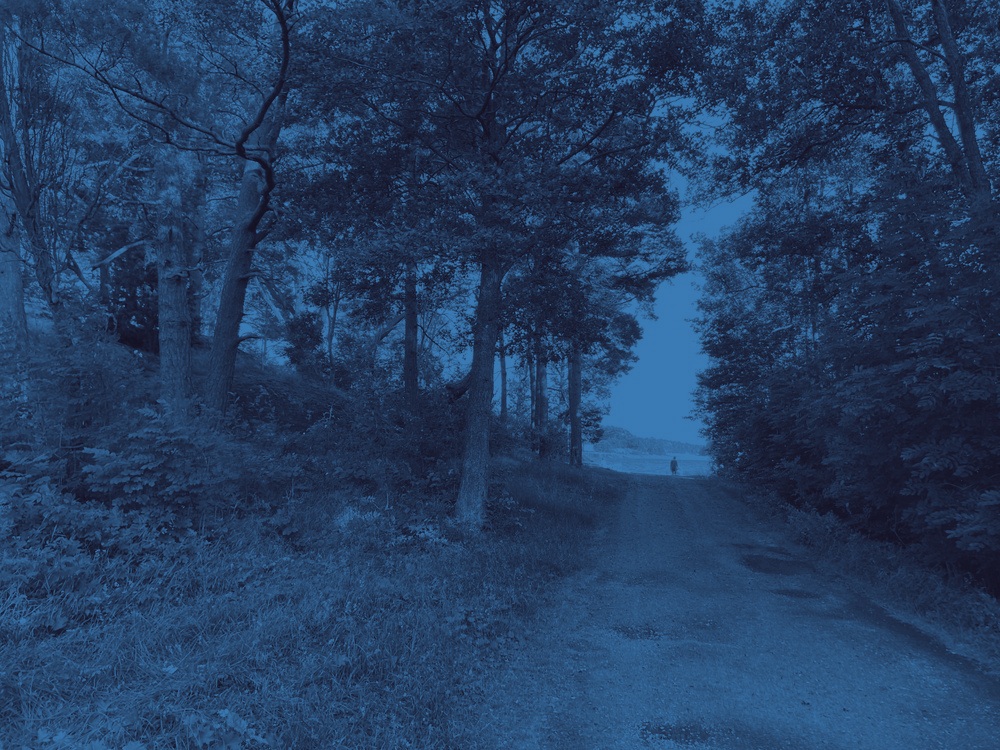
duotone | shadow="#rrggbb", highlight="#rrggbb" — luminance mapped onto a 2-color ramp |
sticker_outline | width (px, default 12), color="#ffffff" — RGBA cutouts only; dilated alpha edge |
flatten_bg | color="#rrggbb" — composite an RGBA cutout onto a solid color (Axios-style block) |
silhouette | fill="#1a1a1a", threshold (alpha 0–255, default 32) — RGBA cutout to flat shape |
scanlines | spacing (px, default 4), opacity (0–1, default 0.25) — CRT/VHS rows |
glitch_still | strength (0–1, default 0.5), seed — RGB channel shift + slice offsets |
grain | strength (0–1, default 0.25), seed — film grain noise |
paper_texture | strength (0–1, default 0.3), seed — fibrous paper light/dark mottle |
# Axios colour-block portrait in one call (RGBA cutout in, JPEG out)
curl -F file=@cutout.png \
     -F 'ops=[{"op":"grayscale"},{"op":"contrast","factor":1.15},{"op":"flatten_bg","color":"#1f3a6b"}]' \
     https://foto-api.autonomousmedia.io/v1/edit -o block.jpg
Smart crop: face-aware, never beheads
Aspect crop anchored on the face/subject centre with the R6 crop-safety bar (≥8% of crop height above the topmost crown, ≥5% on every other face edge). When no window at the target aspect can hold every face, it answers 422 with {"crop_safe": false} instead of cutting — the caller keeps its text-card fallback. Faceless images get a plain centre-crop, so it is a drop-in for geometric centercrop.
| field | type | notes |
|---|---|---|
image | file | the source photo |
params | form (JSON) | width, height (target px box), headroom (default 0.08), edge (default 0.05), output_format, quality |
Success responses carry X-Crop-Safe, X-Faces, X-Focal-Point (percent) and X-Crop-Window (source px) headers.
# TT photo → 620×196 read-strip crop that keeps every face whole
curl -F image=@tt_photo.jpg -F 'params={"width":620,"height":196}' \
     https://foto-api.autonomousmedia.io/v1/smart-crop -o strip.jpg
News layouts: diptych · inset · montage
Three layout endpoints that compose finished editorial graphics from images you already have (raw photos or RGBA cutouts).
| field | type | notes |
|---|---|---|
image_a · image_b | file | the two panels ("orsak | verkan", lag A | lag B) |
params | form (JSON) | width, height, split (0–1), gap, gap_color, output_format, quality |
| field | type | notes |
|---|---|---|
background · inset | file | background = the scene, inset = the circular detail |
params | form (JSON) | size (fraction of height), pos ("left"|"right"|"center" or [x,y] 0–1), rim, rim_color, width, height |
| field | type | notes |
|---|---|---|
images | file[] | all layers, in order (repeat the field); send cutout layers as RGBA PNG |
params | form (JSON) | width, height, layers:[{image, role, pos, scale, outline, outline_color, circle, rotate}] — bg + N positioned layers (the expert-collage pattern) |
05Motion / reels
Seven reel-native effects rendered server-side to 9:16 MP4 — or, with params.output="webp", to a seamless animated WebP loop (alpha-capable, autoplay-safe; the cinemagraph format). Built for a stills + TTS news pipeline (no After Effects, no manual editing). Each is a pure function of time → frame; the same model maps 1:1 to a Remotion useCurrentFrame() setup if you move rendering to Node later. The clips below are produced by the service.
words:[{"w":"Räntan","t":0.0},…] from your ElevenLabs with_timestamps response (or WhisperX). Without timings they fall back to an even beat.| field | type | notes |
|---|---|---|
effect | path | ken_burns · parallax · captions · karaoke · countup · transition · spin |
image | file | required for ken_burns/parallax/spin; optional background for the others |
image2 | file | second scene for transition · the rotating RGBA element for spin |
params | form (JSON) | common: w, h, fps, duration, output ("mp4" default · "webp" animated loop) · plus per-effect (below) |
→ video/mp4 (H.264, 9:16 by default) or image/webp (animated) when output="webp".
Per-effect params
| effect | params |
|---|---|
ken_burns | zoom (1.16) · pan ("up-left"…) · kicker · headline |
parallax | cutout_model · kicker · headline |
captions | words (list) · highlight (index) · eyebrow · beat (s) |
karaoke | words (list or [{w,t}]) · gap (s) · lead (s) |
countup | title · corner · value · delta · bars (list) · labels (list) |
transition | scene_a/scene_b {kicker,headline,tint} — or pass image+image2 |
spin | cinemagraph: static cover-cropped base (image) + one RGBA element (image2) rotating in place · rpm (20) — loop-seamless defaults: 12 fps, 3 s, 20 rpm = exactly one turn |
# Ken Burns on a still, with a lower-third headline
curl -F image=@photo.jpg \
     -F 'params={"duration":4,"zoom":1.18,"kicker":"Stockholm · 06 juni","headline":"Stadshuset i kvällsljus"}' \
     https://foto-api.autonomousmedia.io/v1/motion/ken_burns -o kenburns.mp4

# Kinetic captions driven by word timings from TTS
curl -F 'params={"words":["Räntan","sänks","med 0,25","i juni"],"highlight":2}' \
     https://foto-api.autonomousmedia.io/v1/motion/captions -o captions.mp4

# Count-up data card from your pipeline JSON
curl -F 'params={"title":"OMXS30 · stängning","value":2487.6,"delta":1.4,
        "bars":[-0.8,1.2,0.9,-0.4,1.4],"labels":["VOLVO","EVO","SBB","SINCH","ATCO"]}' \
     https://foto-api.autonomousmedia.io/v1/motion/countup -o data.mp4
06Editorial styles
Three "news illustration" looks applied automatically to an ordinary photo. The subject is cut out (rembg) and the art — duotone colour ramps, torn-paper seams, sticker strokes, neon edge glow, halftone, scanlines — is composited around the mask. One photo, three social-ready looks:
cutout_model — u2net_human_seg (default, fast) or birefnet-portrait (cleaner edges).| field | type | notes |
|---|---|---|
style | path | split · red · money |
file | file | the photo (JPG/PNG/HEIC) |
cutout_model | query | default u2net_human_seg |
quality | query | JPEG quality, default 92 |
→ image/jpeg at the style's native social size.
curl -F file=@photo.jpg "https://foto-api.autonomousmedia.io/v1/style/red" -o red.jpg
curl -F file=@photo.heic "https://foto-api.autonomousmedia.io/v1/style/money?cutout_model=birefnet-portrait" -o money.jpg
07Gallery
A mixed bag of effects across varied source photos — portraits, live music, architecture, coast — all produced by the endpoints above.
News-illustration v2 + layouts
the Axios colour-block portrait, one call

tabloid sticker cutout on a colour field
two-colour ramp (category colour system)
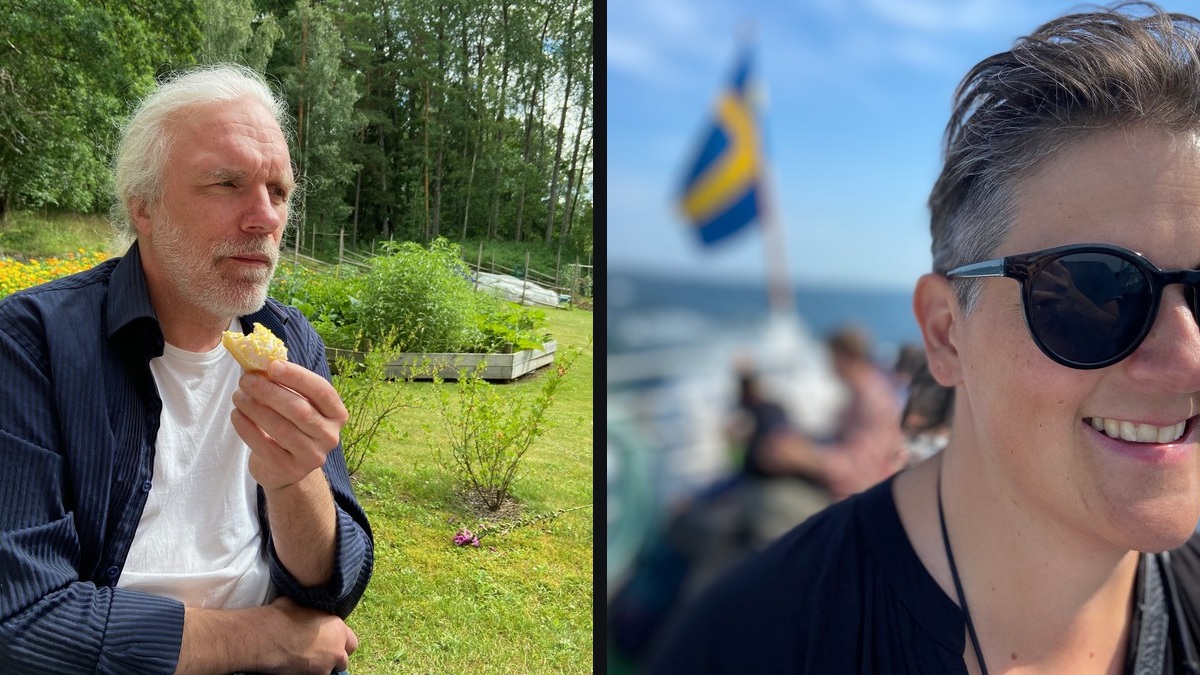
two-panel "orsak | verkan" layout
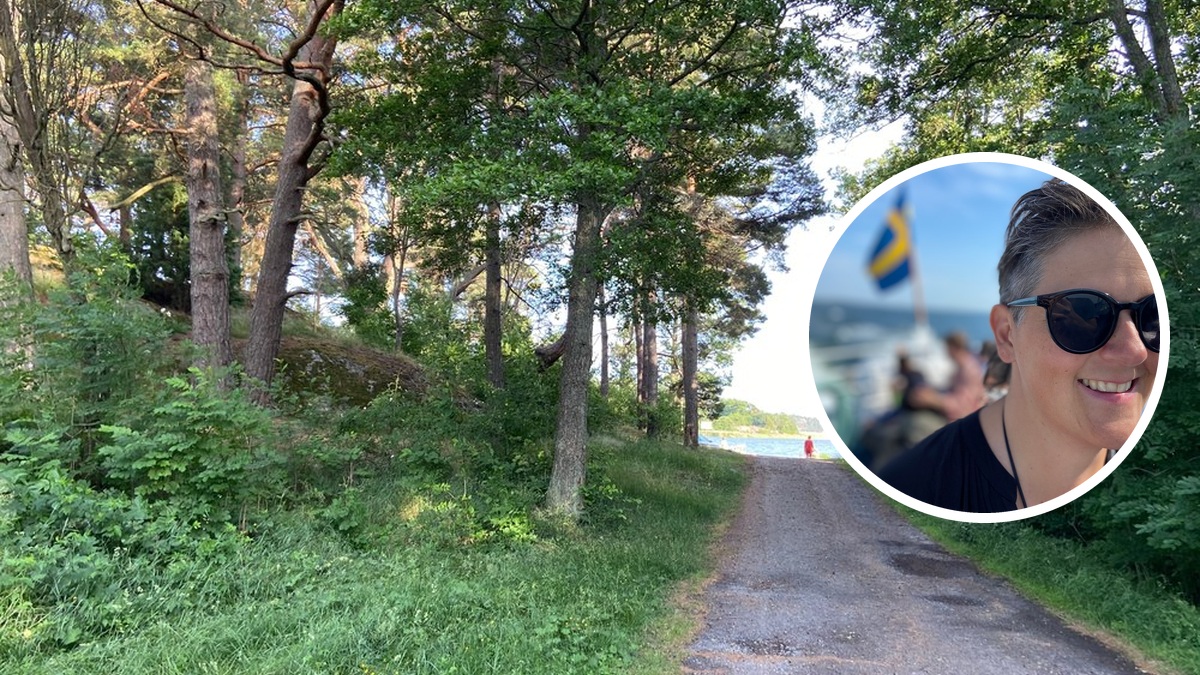
scene + rimmed circular detail
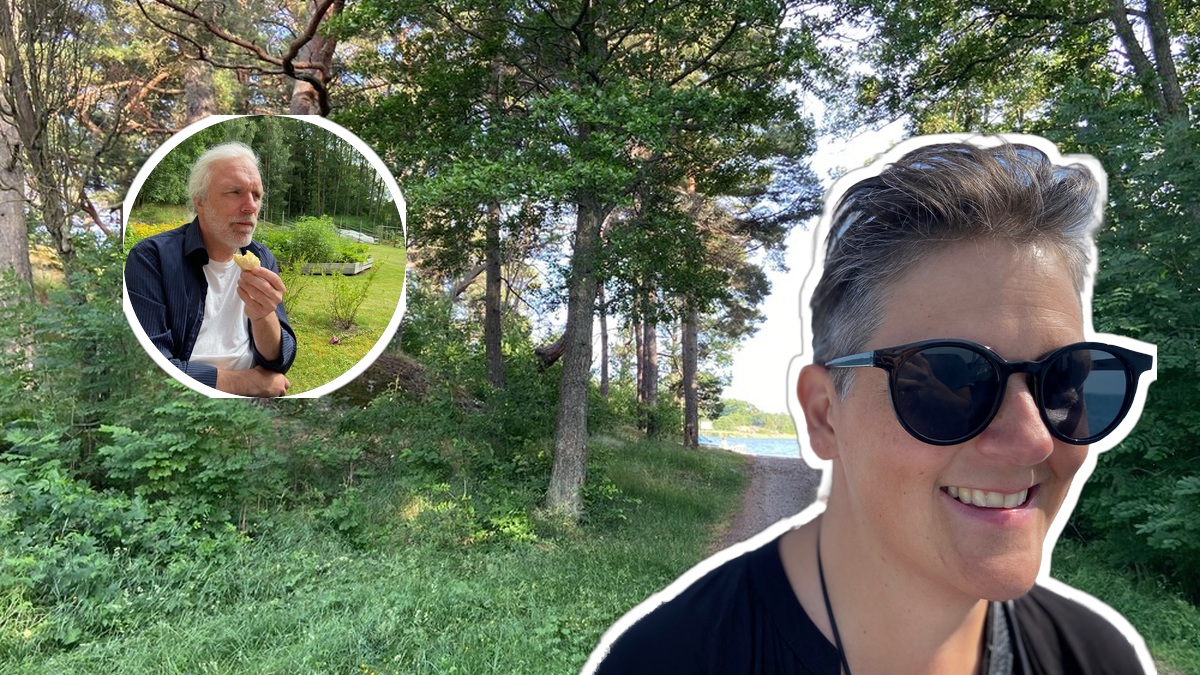
N-layer expert collage: bg + circle inset + outlined cutout
Ken Burns as a seamless animated-WebP loop — no video element needed
v1 classics
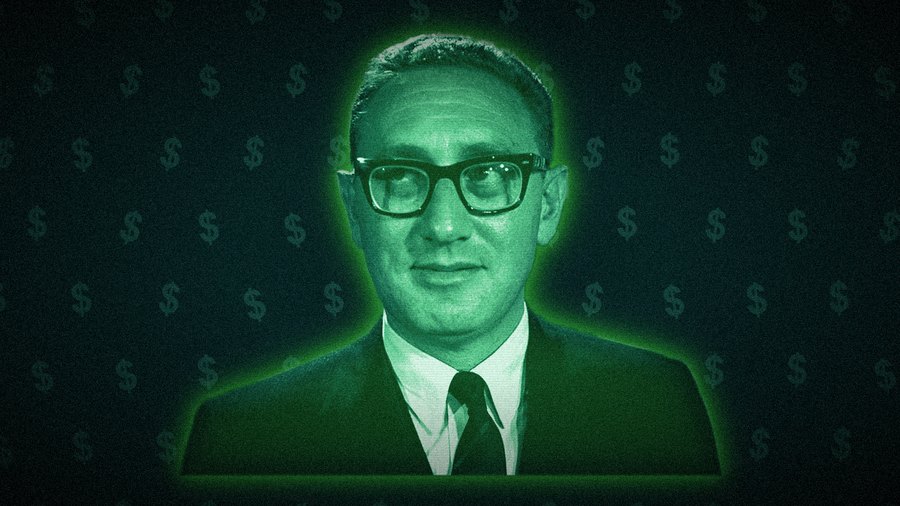
neon glow on a portrait
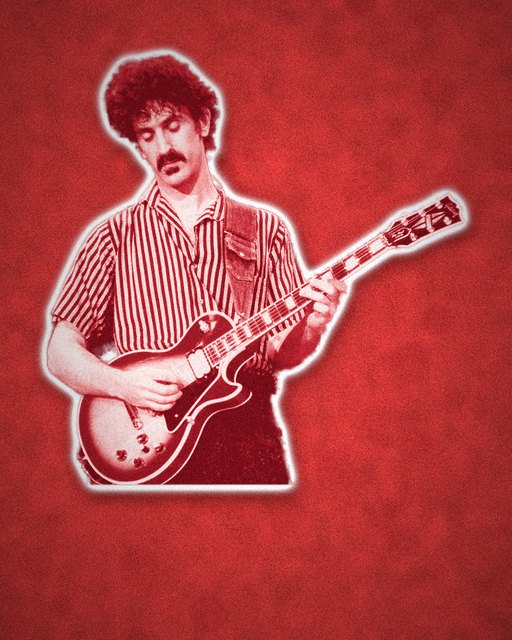
sticker cutout on live music
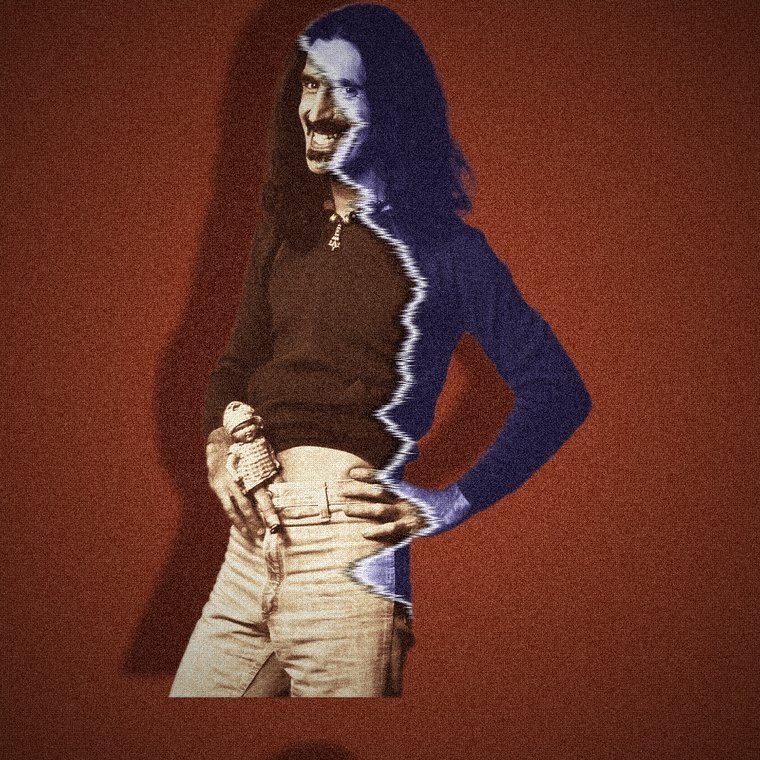
torn-paper split-face
a street still → motion
cutout depth on a portrait
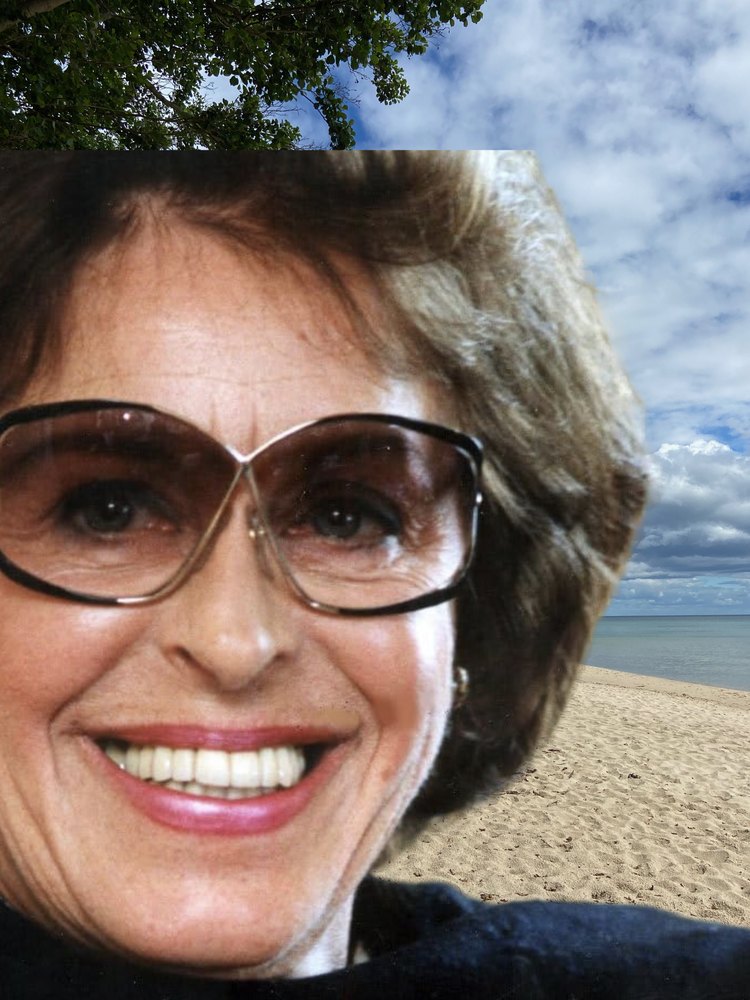
a subject dropped onto a beach
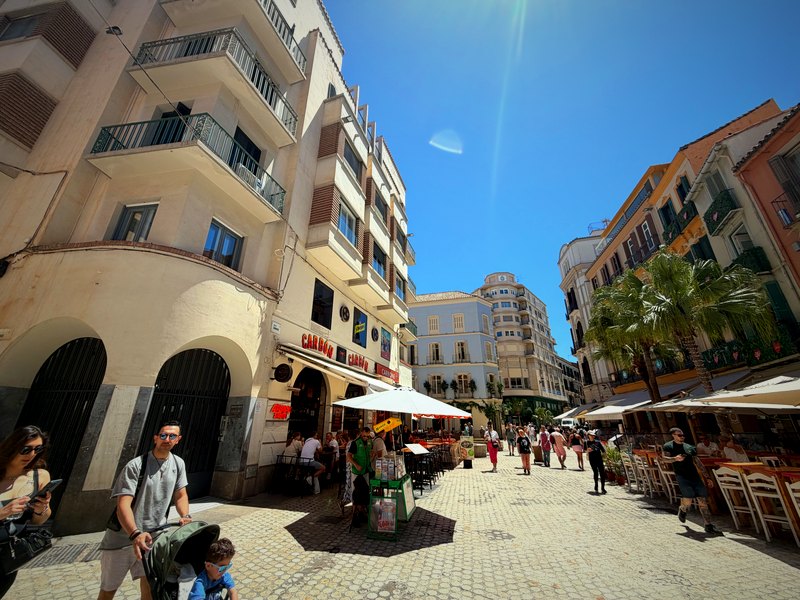
autocontrast + saturation + vignette
08API reference
All endpoints return the resulting media bytes (PNG/JPEG/WebP/MP4) except the JSON discovery routes. Interactive Swagger UI is at /swagger.
https://foto-api.autonomousmedia.io (public, TLS via Let's Encrypt). For local development, swap it for http://localhost:8000.| method | route | returns |
|---|---|---|
GET | /health | JSON — liveness + capabilities |
GET | /v1/models | JSON — models, ops, effects, modes |
POST | /v1/cutout | image/png (transparent) |
POST | /v1/compose | image/jpeg (or png/webp) |
POST | /v1/edit | image/jpeg (or png/webp) — 26 ops incl. news-illustration v2 |
POST | /v1/smart-crop | image/jpeg — face-aware aspect crop; 422 JSON when no safe window |
POST | /v1/diptych | image/jpeg — side-by-side two-panel layout |
POST | /v1/inset | image/jpeg — scene + circular detail inset |
POST | /v1/montage | image/jpeg — N-layer expert-collage composite |
POST | /v1/motion/{effect} | video/mp4 (9:16) · image/webp animated when output="webp" |
POST | /v1/style/{style} | image/jpeg (editorial look) |
Liveness + capability snapshot (models, ops, whether LLM mode is enabled).
Lists cutout models, edit ops (with param hints), and available compose modes.
| field | type | notes |
|---|---|---|
file | file | the image (multipart) |
model | query | u2net_human_seg (default) · u2net · isnet-general-use · birefnet-portrait · birefnet-general |
alpha_matting | query | bool, default true — softer, cleaner edges |
→ image/png with alpha.
| field | type | notes |
|---|---|---|
background | file | the scene |
subjects | file[] | one or more (repeat the field). Raw photos are auto-cut; pre-cut RGBA PNGs are used as-is. |
params | form (JSON) | mode, cutout_model, auto_cutout, output_format, quality, items[] |
→ image/jpeg (or PNG/WebP via output_format).
| field | type | notes |
|---|---|---|
file | file | the image |
ops | form (JSON) | array of {"op":...} objects, applied in order |
output_format · quality | form | default jpeg · 94 |
News-layout composites. Full fields & params in §04 General edits → News layouts. → image/jpeg (or png/webp).
Renders a 9:16 MP4 — or an animated-WebP loop with params.output="webp". Seven effects incl. the spin cinemagraph. Full fields & per-effect params in §05 Motion.
Applies an editorial look (split/red/money). Details in §06 Editorial styles. → image/jpeg.
Python client
import requests, json
B = "https://foto-api.autonomousmedia.io"

# 1) cut a subject out
png = requests.post(f"{B}/v1/cutout", params={"model":"birefnet-portrait"},
                    files={"file": open("me.jpg","rb")}).content
open("me.png","wb").write(png)

# 2) composite onto a new scene (auto placement)
r = requests.post(f"{B}/v1/compose",
      files=[("background",open("scene.jpg","rb")),
             ("subjects",open("me.jpg","rb"))],
      data={"params": json.dumps({"mode":"auto"})})
open("out.jpg","wb").write(r.content)
09Deploy
Local
docker compose up -d --build
# → http://localhost:8000  (docs at /, Swagger at /swagger)
curl -s localhost:8000/health | jq
Scraper server
Heavy/batch image work belongs on the scraper. Ship the repo to /opt/scrapers/photo-studio/ and bring it up with Compose. (The docs/ page is bind-mounted — HTML edits go live with just the rsync, no rebuild.)
rsync -az --exclude .git ./ sandenskog@SCRAPER_IP:/opt/scrapers/photo-studio/
ssh sandenskog@SCRAPER_IP "cd /opt/scrapers/photo-studio && docker compose up -d --build"
models Docker volume so it persists across restarts. To bake it in too, build with --build-arg PREFETCH_BIREFNET=1.Enable the vision-LLM placement mode (optional)
# in docker-compose.yml → environment:
ANTHROPIC_API_KEY: ${ANTHROPIC_API_KEY}
PLACEMENT_MODEL: claude-haiku-4-5   # cheap default; bump to claude-opus-4-8 for max quality
When set, {"mode":"llm"} becomes available on /v1/compose and /health reports llm_placement:true.
10Notes & limits
- CPU inference. On the scraper, cutout runs on CPU — fast for
u2net_human_seg, a few seconds for BiRefNet. GPU is not required. - Auto-placement is a heuristic. It reads faces & profiles; a raised arm or an ambiguous pose can fool the gaze guess. Override with
manual, or enablellmmode for hard cases. - Foreground framing. Close-up/bust subjects compose believably as foreground figures (anchored near the bottom). You can't shrink a bust into a tiny distant figure — there are no legs to show.
- Motion = render-to-MP4. Effects are rendered frame-by-frame (PIL/numpy) and encoded with bundled ffmpeg — H.264, 9:16, CPU only. Fonts are configurable via PHOTO_FONT_BOLD/PHOTO_FONT_MONO; the Docker image ships DejaVu. For production reels, move rendering to Remotion (Node) — the time→frame model maps 1:1.
- Parallax depth is approximate. The subject is cut out and moved over a blurred copy of the original; small movements read as depth without an inpainting/depth-map step. Keep motion subtle.
- Size guard. Inputs above
MAX_PIXELS(default 50 MP) are rejected with 413. - No external calls by default. Cutout, compose-auto/manual and edit are fully local. Only
llmmode sends images to the Anthropic API.
11CSS over photos — feed recipes
Not API calls — these are front-end CSS the feed renders live over a photo. The API serves the image; the browser does the rest. Same family of tomfoolery, kept on one page so the whole visual toolbox lives in one place. Every demo below runs right here on real photos; the code under each one is the entire recipe.
prefers-reduced-motion — the scroll/slider effects must degrade to a still. Knockout and depth headlines should stay real <h1> text (not baked pixels) so screen readers and search still read the headline.Standard headline treatments — the default tier (~60% of cards)
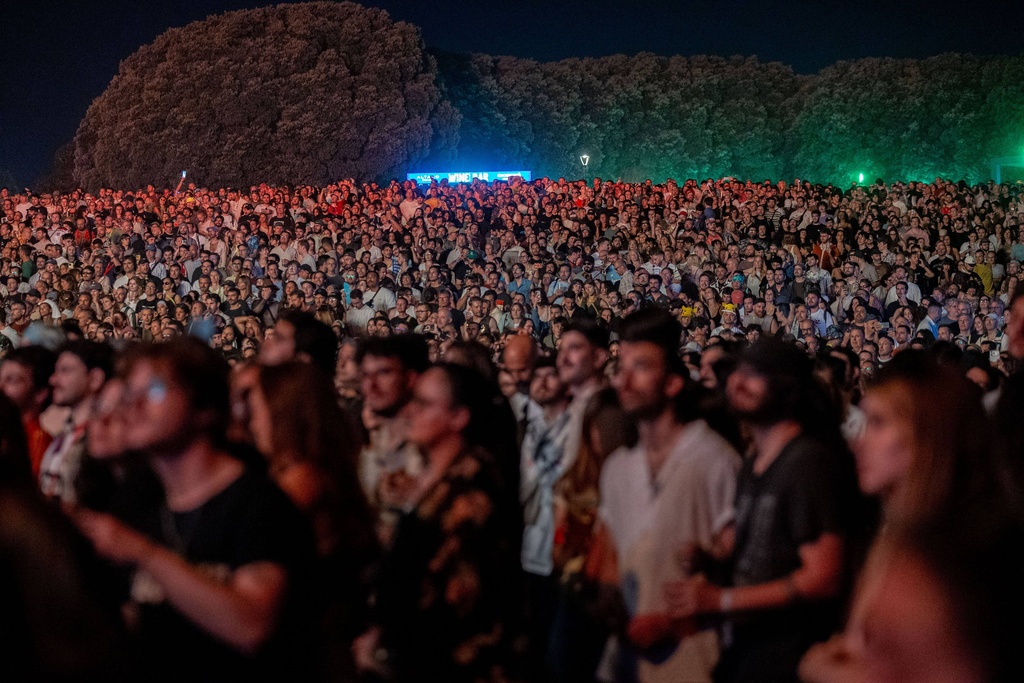
1 · Headline on photo (gradient scrim)
Festivalsommaren är äntligen här
/* the everyday hero: text on the photo, made readable by a scrim */
.hero{position:relative;color:#fff}
.hero .cap{position:absolute;left:0;right:0;bottom:0;padding:20px 16px;
  background:linear-gradient(to top,rgba(0,0,0,.85),transparent 60%);}  /* readability floor */
.hero h1{margin:0;font:800 28px system-ui;text-shadow:0 1px 12px rgba(0,0,0,.5)}
The bread-and-butter card: headline sits directly on the image. How: a bottom-up linear-gradient scrim (or a text-shadow) guarantees contrast no matter what the photo does underneath. Add a small uppercase kicker in the section colour above the headline. Watch: never skip the scrim — white text on a bright photo is the classic readability fail.
2 · Headline on a colour plate
Rekordpublik på årets festival
/* solid section-colour box sitting on the photo — max readability */
.plate{position:relative}
.plate .box{position:absolute;left:16px;right:16px;bottom:16px;
  background:#1f3a6b;color:#fff;padding:12px 15px;border-radius:8px;}  /* swap colour per section */
.plate h1{margin:0;font:800 26px system-ui}
Headline drops onto a solid colour plate over the photo — the safest, highest-contrast default, and the plate colour doubles as the section signal. How: an absolutely-positioned block with the section background; the photo stays clean above it. Watch: works on any photo (the plate carries the text), so it's the go-to when the image is busy or low-contrast.
3 · Lower-third bar
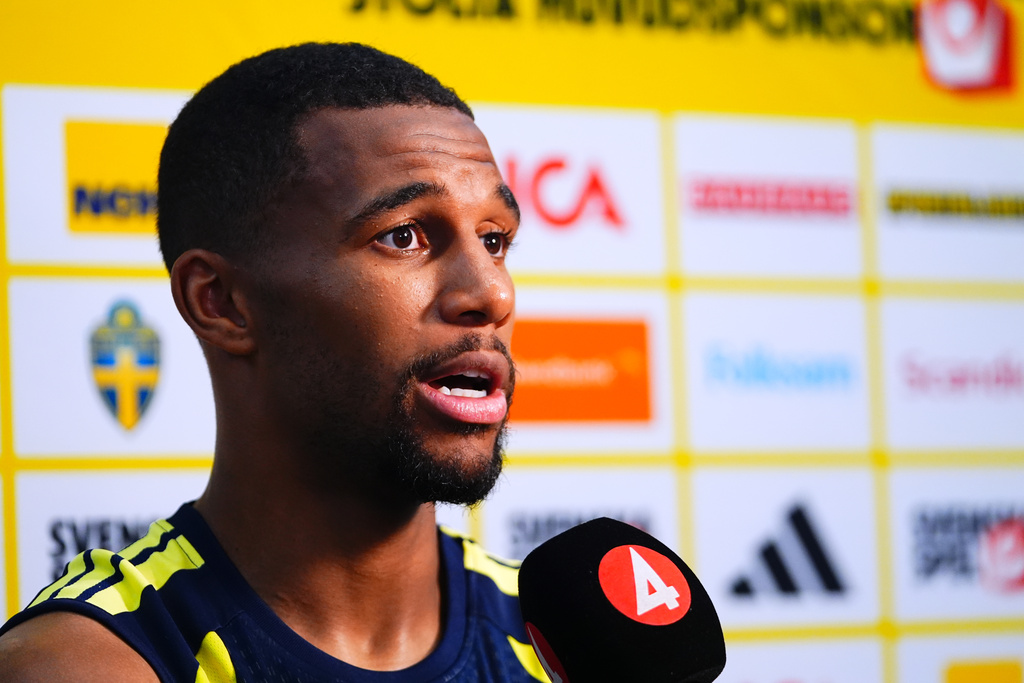
/* TV-style strap across the lower third */
.lower .bar{position:absolute;left:0;right:0;bottom:16px;
  background:rgba(15,17,21,.76);backdrop-filter:blur(3px);
  border-left:4px solid var(--accent);padding:9px 15px;}
A translucent strap across the lower third with an accent edge — reads as "broadcast/now". How: a full-width semi-transparent bar with backdrop-filter:blur so the photo stays visible through it, plus a coloured border-left as the section tick. Watch: keep it to the lower third so it never covers the subject's face.
Signature moves — the feature & showstopper tiers
4 · Knockout headline — photo through the type
FESTEN
/* headline becomes a window onto the photo */
.knockout{
  background: url(/photo.jpg) center/cover;
  -webkit-background-clip: text;
          background-clip: text;
  color: transparent;
  font: 800 12vw/.85 system-ui, sans-serif;
}
The text is transparent and the photo shows through the letters — type and image become one object instead of two stacked rectangles. How: paint the photo as the element's background, then background-clip:text + color:transparent clips that paint to the glyph shapes. Watch: needs a busy, tonal photo behind it; on a flat sky it reads as nothing — always keep a solid-colour fallback for contrast.
5 · Duotone recolour (section colour system)
/* grayscale base + two blend layers = live duotone, no re-render */
.duo{position:relative}
.duo img{filter:grayscale(1) contrast(1.05)}
.duo::before{content:"";position:absolute;inset:0;
  background:#1f3a6b; mix-blend-mode:multiply;}   /* shadows */
.duo::after{content:"";position:absolute;inset:0;
  background:#b5197a; mix-blend-mode:lighten;}     /* highlights */
Crush the photo to two colours where the second colour is the section (politics = blue, culture = magenta) — the Axios/Bloomberg wayfinding trick. How: grayscale the image, then a multiply layer tints the shadows and a lighten/screen layer tints the highlights. Recolour per section by swapping two hex values — no new image. Watch: lock the palette and reserve it for a tier of stories, or it stops meaning anything.
6 · Text behind the subject (depth headline)
MÅLET
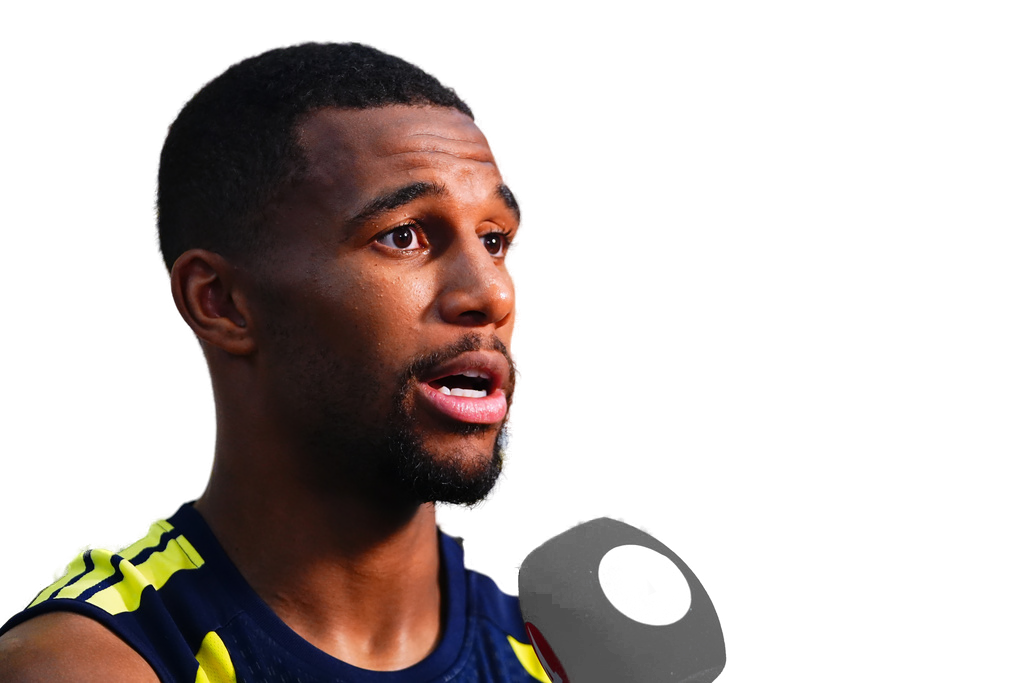
/* 3 stacked layers: bg photo · headline · transparent cutout on top */
<div class="depth">
  <div class="bg"></div>          /* the photo */
  <h1>MÅLET</h1>                  /* real text, z between */
  <img class="cut" src="cutout.png"> /* from POST /v1/cutout */
</div>
.depth{position:relative}
.depth .bg,.depth img.cut{position:absolute;inset:0}
.depth h1{position:absolute;z-index:1}
.depth img.cut{z-index:2}        /* subject in front of the word */
The headline passes behind the person's head and shoulders — the most-shared "premium" trick of the last two years. How: stack three layers — background photo, then the headline, then a transparent cutout of the subject (the /v1/cutout PNG from §1 of this API) on top with a higher z-index. This is where the API and the CSS meet: the cutout above is a live BiRefNet cutout of the photo behind it. Watch: keep 60–70% of each word clear of the subject so the headline still reads.
7 · Weight-on-scroll headline
Rösterna räknas
/* type reacts to the reader — scroll-driven, no images */
@keyframes weigh{ to{ font-variation-settings:"wght" 900 } }
h1.scrolly{
  animation: weigh linear both;
  animation-timeline: view();   /* Interop 2026 */
}
@media (prefers-reduced-motion:reduce){ h1.scrolly{animation:none} }
The headline morphs thin → black as you scroll past it (scroll up and down to see it breathe). How: a keyframe animates font-variation-settings (a variable font) or font-weight, driven by animation-timeline: view() so the reader's scroll is the timeline — no JS. Watch: features only, and always give a static fallback via prefers-reduced-motion (done above).
8 · Before / after slider
/* drag the handle — comparison is an argument */
.slider .after{position:absolute;inset:0;
  clip-path:inset(0 calc(100% - var(--p,55%)) 0 0);}  /* reveal width */
<input type="range" oninput="
  this.closest('.slider').style.setProperty('--p',this.value+'%')">
Two versions of one photo with a draggable seam (före | efter, edit | original, lag A | lag B). How: stack the "after" copy over the "before", then a range input writes a CSS variable that drives a clip-path: inset() reveal — one line of inline JS, no library. Watch: label both sides or the comparison is ambiguous.
9 · Scanlines / CRT overlay (pure CSS)
/* "archive / surveillance / broadcast" mood in one line */
.scan::after{content:"";position:absolute;inset:0;pointer-events:none;
  background:repeating-linear-gradient(to bottom,
    rgba(0,0,0,.28) 0 1px, transparent 1px 3px);}
Horizontal CRT rows signal "caught on camera", retro, or surveillance. How: a single repeating-linear-gradient on a ::after overlay — no image, no JS. Drift it with a slow keyframe for live VHS. Watch: keep it subtle (opacity ~.15–.28); it's seasoning, not the dish.
Typographic plays — text & type as the hero
10 · Hollow / outlined headline
OAVGJORT
/* transparent letters with an outline — photo shows in the counters */
.stroke h1{
  color: transparent;
  -webkit-text-stroke: 2.5px #fff;   /* the outline does the reading */
  font: 800 90px system-ui;
}
The inverse of knockout: letters are hollow with a crisp outline, so the photo reads inside and around the type. How: color:transparent + -webkit-text-stroke over the image. Watch: only works at large, bold weights — thin fonts lose the outline; pair with a slight scrim on busy photos.
11 · Self-contrasting headline (blend)
BREAKING
/* the headline inverts against whatever is behind it — always legible */
.blend h1{ color:#fff; mix-blend-mode: difference; }
White text set to mix-blend-mode:difference inverts against the pixels beneath, so it stays readable over light and dark areas with no scrim. How: one property; the browser composites the headline against the photo. Watch: the colour shifts with the image — great for auto-contrast, less so when you need an exact brand colour.
12 · Text wraps around the subject
Reportageblocket flödar runt motivets verkliga silhuett i stället för en fyrkantig bild. Texten följer konturen av den utklippta personen — en tidskriftslayout rakt i flödet, utan manuell radbrytning. Detta binder ihop bild och brödtext till en komposition: ögat läser personen och stycket som en enhet, precis som i ett magasinuppslag. Effekten skalar med spaltbredden och faller tillbaka till en vanlig vänsterflyt om webbläsaren saknar stöd.
/* body text flows around the cutout's real silhouette */
img.float{
  float: left;
  shape-outside: url(cutout.png);   /* uses the PNG's alpha = the silhouette */
  shape-margin: 14px;
}
Body copy hugs the cut-out person instead of a rectangle — pure magazine. API tie-in again: shape-outside reads the alpha channel of the /v1/cutout PNG, so the text follows the actual silhouette. Watch: the cutout must be same-origin; keep a normal float fallback for old browsers.
13 · Oversized numeral
3
Hien om landslagsdrömmen
/* a giant translucent figure as graphic texture behind the label */
.num .big{position:absolute;font:900 300px system-ui;
  color:rgba(255,255,255,.17);}   /* rank / count / score as design */
A huge semi-transparent numeral turns a rank, score or count into the composition (lists, election seats, sports results, "del 3"). How: an absolutely-positioned oversized figure at low opacity behind the real headline. Watch: let it bleed off an edge — a contained number looks like a typo, a cropped one looks designed.
14 · Vertical / spine label
EXKLUSIVT
/* headline runs up the edge, magazine-spine style */
.vert h1{ writing-mode: vertical-rl; }
A kicker or section label set vertically up the photo's edge — frees the whole frame for the image and reads as "premium magazine". How: writing-mode: vertical-rl (add rotate for bottom-up). Watch: short words only; vertical body text is unreadable.
15 · Highlighted keyword
Årets festival blev en rekordsuccé
/* marker swipe on the one word that carries the story */
mark{ background:#b5197a; color:#fff;
  box-decoration-break: clone;   /* swipe survives line-wraps */
  padding:1px 5px; }
One word gets a marker/plate in the section colour — the eye lands on the point before reading the rest. How: wrap the keyword in <mark>; box-decoration-break:clone keeps the highlight clean when the word wraps. Watch: exactly one highlight per headline, chosen deliberately.
16 · Pull-quote over a portrait
Jag spelade för mardrömmen att aldrig få chansen.
/* oversized quote mark as a graphic, quote over the face's negative space */
.quote::before{ content:"\201D"; position:absolute;
  font:900 220px Georgia,serif; color:rgba(255,255,255,.2); }
A spoken line set big over the subject, anchored by a giant decorative quotation mark. How: a ::before glyph as texture + an italic serif blockquote placed in the photo's calm area. Watch: keep the quote off the face; lean on the portrait's negative space.
17 · Gradient-clip headline (neon energy)
MARKNADEN
/* fill the type with a gradient instead of a photo — markets/nightlife energy */
.neon h1{
  background: linear-gradient(90deg,#7be0a3,#5cc8ff,#b5197a);
  -webkit-background-clip: text; background-clip: text;
  color: transparent;
}
Same clip trick as knockout, but the fill is a gradient — high-energy for economy/markets, culture and nightlife. How: a linear-gradient background clipped to the text, over a darkened photo so it glows. Watch: energy signal — keep it off hard news and tragedy (same tone-match rule as the sticker/glitch effects).
1 · Clipping. Size the type to the box, not the viewport — a
vw headline keeps growing past a fixed-width card on big screens until the last letter vanishes under overflow:hidden (the bug that ate the "N" in the neon demo). Fixes: use container-query units so the headline scales to its container — font-size:clamp(26px,13cqi,72px) on a box with container-type:inline-size — or cap the max size; add inner padding so glyphs never touch the edge; keep line-height ≥ 1.1 (a tighter line under overflow:hidden shaves ascenders/descenders — including å/ä/ö dots); and always test narrow → wide.2 · Contrast. Never drop raw text on an unknown photo — guarantee a readability floor: a scrim gradient (§1), a solid colour plate (§2), a
text-stroke (§10), a text-shadow, or mix-blend-mode:difference (§11, auto-contrast). When you can't predict the image, the colour plate is bulletproof — it carries the text on any photo.